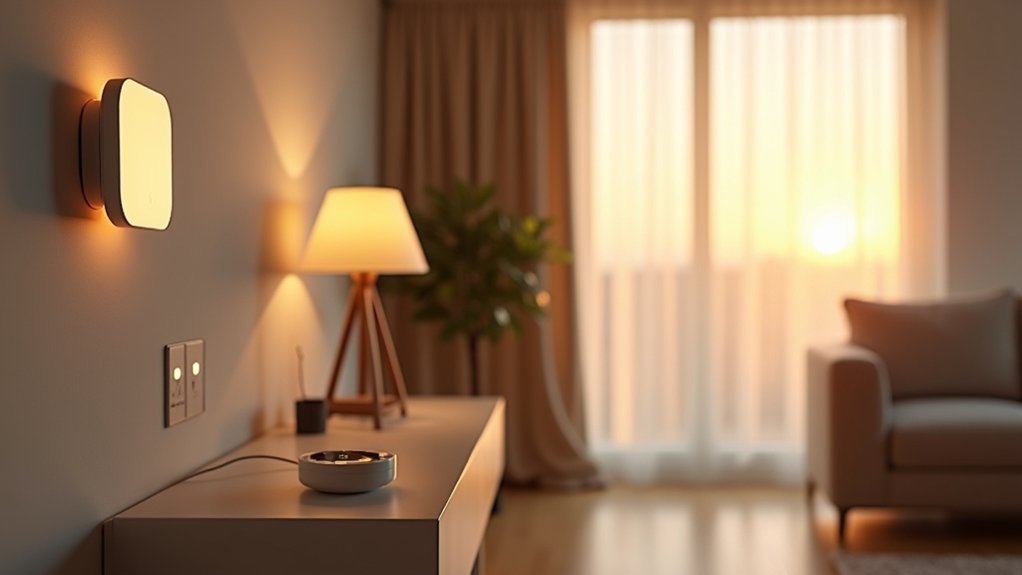

If your utility bill has been a little “ambitious,” you can offset it with smart gadgets that cut waste automatically. You’ll get the biggest gains from a smart thermostat that learns occupancy, room-based LED lighting with schedules and sensors, and smart plugs that stop standby draw. Add automated shades to manage solar heat and smart ceiling fans to reduce AC runtime. The real advantage starts when an energy monitor shows what’s quietly draining power…
Start Here: The Biggest Energy-Saving Smart Gadgets
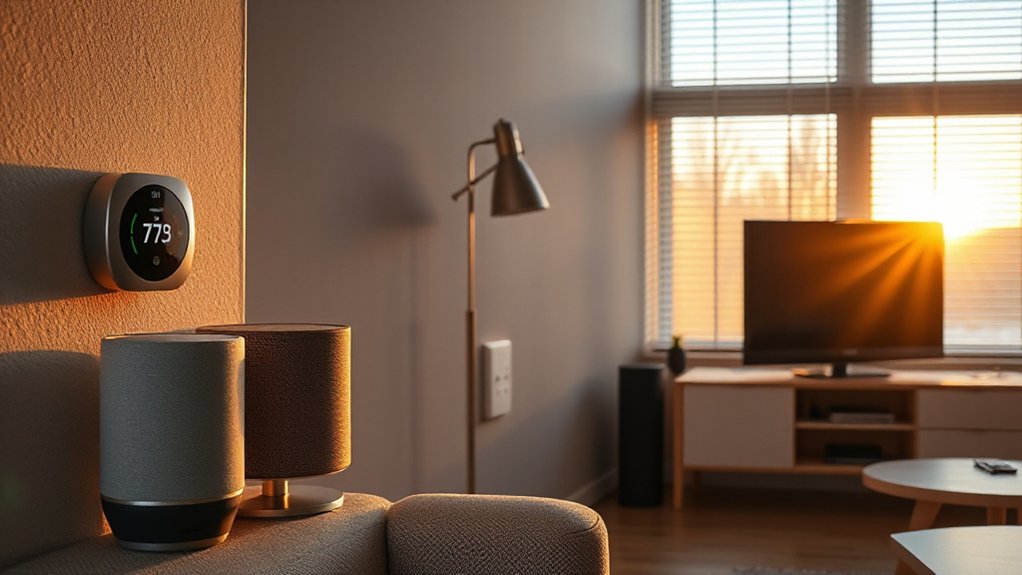
Where should you start if you want the biggest energy wins with the least effort? Install smart plugs and power strips that cut standby load using device-level scheduling, occupancy triggers, and real-time watt monitoring.
Pair them with smart LED bulbs that support adaptive dimming and circadian profiles, then automate shutoffs via motion sensors to eliminate wasted runtime.
Add a whole-home energy monitor (CT clamps) so you can spot HVAC short-cycling, phantom baseloads, and peak-demand spikes in a single dashboard.
If you’re trend-watching, choose Matter-compatible devices for resilient local control and lower cloud chatter.
To link Renewable energy with daily savings, add a smart EV charger or solar-aware load controller that time-shifts charging to surplus generation.
These energy conservation techniques pay back fast.
Smart Thermostats for Lower HVAC Bills
How much of your electric or gas bill is really your HVAC running longer than it needs to? A smart thermostat trims waste by learning your schedule, detecting occupancy, and auto-adjusting setpoints with adaptive recovery so you hit comfort targets without overshooting.
You’ll also get geofencing, humidity-aware control, and equipment runtime analytics that flag short-cycling or dirty filters before efficiency drops.
Look for models with open integrations (Matter, HomeKit, Alexa, Google), variable-speed heat pump support, and detailed energy reports that translate run time into estimated cost.
Many now use eco-friendly materials in housings and packaging, while keeping setup fast through user-friendly interfaces, guided wiring checks, and app-based commissioning.
Enable time-of-use optimization to shift heating/cooling away from peak rates and demand events.
Energy-Efficient Smart Lighting by Room
Smart lighting pays off fastest when you tune it room by room, because each space has a different mix of occupancy patterns, task brightness, and daylight.
Start with Room specific lighting schedules: in kitchens, set higher lumen targets and adaptive dimming tied to motion and under-cabinet task zones.
In living rooms, prioritize indirect fixtures and presets that cap wattage while keeping comfort.
In bedrooms, use warm (2200–2700K) circadian scenes and gradual fade-outs to avoid overlighting.
For hallways and bathrooms, deploy occupancy sensors with short timeouts plus low-level night modes to cut run time.
Add daylight harvesting near windows so bulbs auto-throttle when sun’s available.
Keep Ambient mood settings as scenes, not manual tweaks, and monitor per-room kWh in your app.
Smart Plugs and Strips to Kill Phantom Power
You can cut phantom power at the source by putting always-on loads behind smart plugs that support scheduling and automation triggers. You’ll set time-based shutoffs for TVs, consoles, and chargers, then override them instantly via app, voice, or occupancy routines when you actually need power.
For multi-device zones, you’ll use advanced power strips with individually controlled outlets (and often master/controlled logic) so peripherals drop to near-zero draw when the primary device goes idle.
Smart Plug Scheduling
Even when the room’s dark and everything looks “off,” many electronics keep sipping standby watts, so scheduling outlets with smart plugs or power strips becomes a precise way to cut phantom loads.
With Remote scheduling, you set time windows for TVs, game consoles, chargers, and speakers, so they fully power down overnight or during work hours.
Use sunrise/sunset triggers or fixed routines to match your real occupancy, then add brief “wake” blocks before you typically use devices.
Many plugs log energy consumption in kWh and watts, letting you validate savings, spot always-on culprits, and adjust schedules for peak-rate periods.
If your router or smart hub needs constant power, schedule only the peripherals, not the network backbone.
Keep critical medical or security devices unscheduled.
Advanced Power Strip Control
Scheduled on/off routines handle predictable downtime, but advanced power strip control tackles the messier reality of multi-device clusters that leak standby watts all day.
You’ll tame TV consoles, desk setups, and kitchen counters by assigning “always-on” sockets for routers, then switching everything else via app or voice.
Look for per-outlet metering so you can spot high-idle offenders, plus auto-shutoff rules triggered by a master device (PC off = monitors, speakers, chargers off).
A remote outlet is handy for lamps or fans without rewiring.
Choose models with fast local control, not cloud-only lag, and integrate them with Matter/Thread hubs for reliability.
Don’t skip surge protection; it guards sensitive electronics while you cut phantom load safely, nightly.
Smart Blinds and Shades to Block Heat and Cold
You can cut HVAC load by automating blinds and shades with sunlight scheduling that tracks sunrise/sunset, room orientation, and time‑of‑use rates.
You’ll get measurable thermal insulation efficiency from cellular or insulated fabrics that reduce window U‑factor and drafts in both summer heat and winter cold.
You can also let smart sensor climate control close or tilt slats based on indoor temperature, glare, and occupancy so you’re not conditioning empty rooms.
Automated Sunlight Scheduling
Two well-timed shade moves can cut HVAC load more than most people expect: lower smart blinds when solar gain spikes in the afternoon, then open them when the sun becomes “free heat” on cold mornings.
With automated sunlight scheduling, you tie shades to outdoor irradiance, indoor temp, and your thermostat’s setpoints, so they react before rooms drift. You’ll use geo‑aware sun‑angle models (azimuth/elevation) plus window orientation to avoid glare without over-darkening.
Pair this with daylight harvesting: raise shades in bright-but-cool hours, then let dimming switches reduce artificial lighting to maintain lux targets.
Choose systems that support local sensors, scene rules, and API integrations (Home Assistant, Matter). You’ll save energy while keeping comfort stable.
Thermal Insulation Efficiency
Because windows behave like thermal leak points, smart blinds and shades can act as a dynamic insulation layer that you tune hour by hour to block summer radiant heat and reduce winter heat loss.
You’ll get the best insulation performance from cellular (honeycomb) designs that trap air in pockets, creating a stable thermal barrier. Look for side tracks or magnetic edge seals to cut convection and drafts; tight closure matters as much as fabric.
Dual-layer rollers with reflective backing can push solar gain back outside, while darker inner layers reduce glare without overheating the room.
Choose motors with quiet drives and low standby draw, plus precise tilt control for slats to manage radiant exchange. With room-by-room presets, you minimize HVAC run time.
Smart Sensor Climate Control
Static insulation gains more value when the shades respond automatically to real-time conditions, not a fixed schedule. With smart blinds, you tie solar gain control to sensors that track outdoor temperature, window-side radiant heat, and light intensity.
When afternoon sun spikes, you lower shades to cut cooling load; when clouds roll in, you open them to harvest passive heat.
You’ll get tighter comfort bands by linking shades to your thermostat and occupancy data, so rooms don’t overheat when empty. Many systems also factor Indoor air quality by coordinating with ventilation events and avoiding glare-driven overcooling.
Pairing shade logic with humidity regulation helps prevent window condensation in winter: raise shades when indoor humidity climbs, then seal them at night to reduce cold drafts.
Smart Ceiling Fans That Cut AC Runtime
While your AC does the heavy lifting, a smart ceiling fan can raise perceived comfort by improving air mixing and creating a wind‑chill effect, letting you bump the thermostat up a few degrees without feeling it.
Modern smart ceiling fans use DC motors for higher efficiency, smoother speed control, and quieter operation than legacy AC-motor units.
You can automate direction by season—counterclockwise for summer cooling, clockwise to destratify warm air in winter—so conditioned air doesn’t pool at the ceiling.
Look for occupancy, temperature, and humidity sensing, plus HomeKit/Alexa/Google integration to sync with your HVAC schedule.
Variable-speed profiles and “breeze” algorithms deliver energy saving airflow without drafts, reducing compressor cycling and extending comfort between cooling calls.
Energy Monitors to Measure Savings and Spot Waste
Where’s your energy actually going when the bill spikes—HVAC, standby loads, or a single failing appliance? A whole‑home energy monitor clamps onto your mains and samples current at high frequency, then disaggregates loads so you can see what’s cycling, idling, or overheating. You’ll catch phantom draw from chargers, game consoles, and smart speakers, plus short‑cycling compressors that quietly burn kilowatt‑hours.
Pair it with smart plugs for circuit‑level validation and use Energy audit techniques: baseline a week, change one variable, then verify savings in the trend graph.
If you’ve added Renewable energy like rooftop solar, choose a monitor that tracks bidirectional flow, net metering, and time‑of‑use rates so you can shift loads to sunny hours and peak‑price windows.
Conclusion
You’ve upgraded comfort and cut costs almost by accident: the same sensors that learn your schedule also catch the midnight standby spike, and the blinds that block summer glare just happen to trap winter heat. Pair a smart thermostat with room‑level LED scenes, then clamp phantom loads with smart strips. Add ceiling fans to stretch setpoints and an energy monitor to verify kWh drops in real time. Coincidentally, each device tunes the next.