
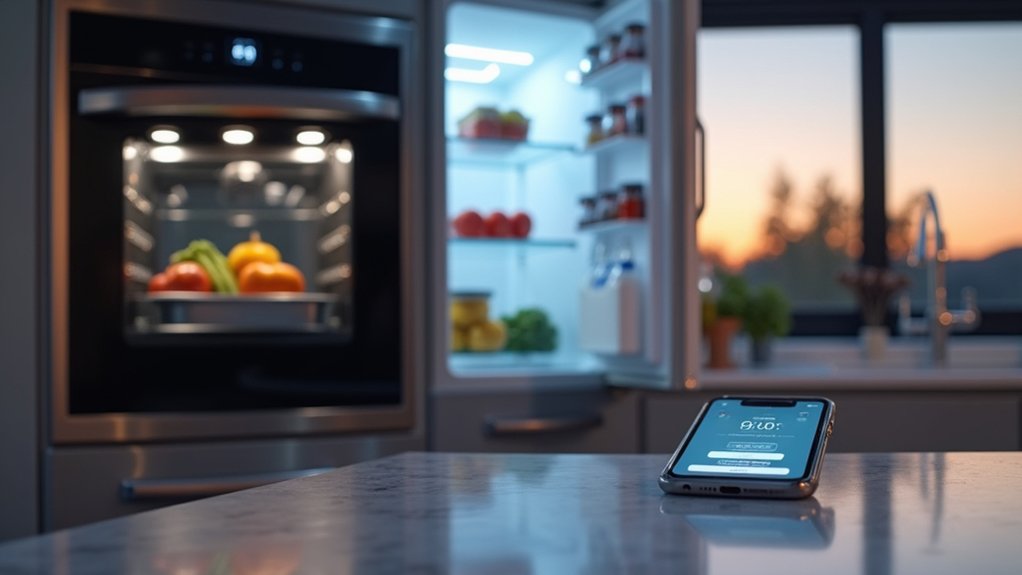

You can check what’s in your fridge while you’re still at the store, and that alone changes how you cook. With smart ovens, you start preheating remotely, rely on probes for precision, and let auto-adjust programs handle timing. Smart fridges track inventory, flag expiring items, and build shopping lists you can reorder from an app. Add voice control, energy insights, and security settings, and the real question becomes which features you’ll actually trust day to day…
What Makes an Oven or Fridge Smart?
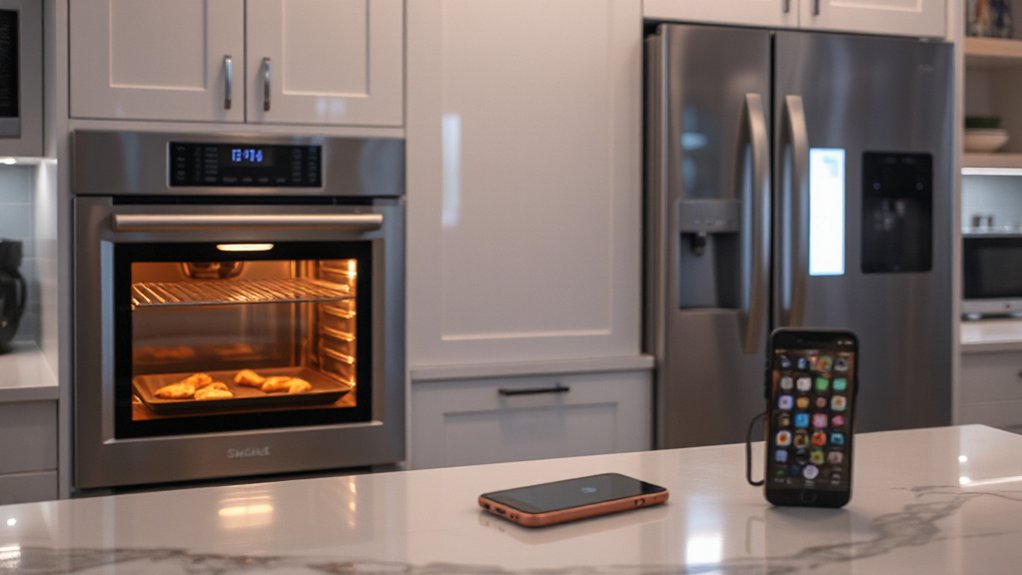
How do you tell a truly smart oven or fridge from one that just has a screen? You look for connected sensors, software updates, and automation that changes how the appliance operates, not just how it looks.
A smart oven uses probes, temperature algorithms, and cloud recipes to adjust heat and timing, then logs performance for consistency.
A smart fridge tracks internal temps, door-open patterns, and filter status, and it can alert you before food-safe ranges slip.
With Smart home integration, you can coordinate preheating with arrival times, sync energy-use schedules, and trigger voice or phone controls without touching panels.
You’ll also see appliance maintenance intelligence: self-diagnostics, part-life counters, and service alerts that reduce surprise failures.
Which Smart Oven and Fridge Features Matter Most?
While flashy touchscreens grab attention, the smart features that actually matter are the ones that save you time, protect food safety, and cut waste without adding friction. Prioritize reliable remote monitoring so you can check oven status and fridge temps from your phone, plus instant alerts for doors left ajar, power loss, or rising temperatures.
In the fridge, look for inventory tracking, expiration reminders, and adaptive cooling zones that keep produce crisp and dairy stable.
For the oven, value Cooking automation that simplifies multi-step recipes with guided programs and hands-free timing, not gimmicks.
Strong appliance connectivity matters most when it’s seamless: voice control that works, app updates that don’t break settings, and integrations with grocery lists and meal planners so you buy less and use more.
Smart Oven Features: Preheat, Temperature Probe, Auto-Adjust
You’re seeing smart ovens get faster and more consistent with one-tap preheat modes that lock in the right heat profile for pizza, roast, or bake without menu-hopping.
Add a built-in temperature probe, and you can track the core temp in real time while the oven auto-adjusts heat and timing to hit your target doneness.
These features cut guesswork, reduce overcooking, and help you repeat “perfect” results on busy weeknights.
One-Tap Preheat Modes
Ever wonder why preheating still feels like the slowest step in cooking? One-tap preheat modes in today’s smart ovens cut that friction by bundling the right heat style and target temp into a single button. You pick “Pizza,” “Roast Veg,” or “Cookies,” and the oven jumps to a proven preset, often with convection toggled automatically for faster, more even heat.
You’ll see the biggest payoff when you’re juggling Smart cookware and kitchen automation. Start preheat from your phone while you’re chopping, then get a notification the moment the oven’s ready.
Many models learn your habits, surface your most-used presets first, and keep standby energy low by timing warm-up closer to cook time. That’s speed without guesswork, every weeknight.
Temperature Probe Auto-Adjustments
Because doneness matters more than a dialed-in oven temp, smart ovens now use temperature probes that auto-adjust heat in real time as your food cooks. You insert the probe, pick a target internal temp, and the oven manages the rest—ramping, holding, or easing off to prevent overshoot. This innovative design turns roasting and baking into a controlled finish, not a guess.
On the user interface, you’ll see live graphs, estimated time to temp, and alerts when carryover cooking is likely. Some models switch automatically from convection blast to a gentle “rest” phase, keeping ribs juicy and cakes set without drying out.
You can save probe presets for salmon, steak, or sourdough, then reuse them with one tap, even when you’re multitasking elsewhere.
Smart Fridge Features: Inventory Tracking and Expiry Alerts
Your smart fridge now tracks what you’ve got with real-time inventory scanning, so you can see items and quantities without keeping mental tabs.
It sends automated expiry notifications before food turns, helping you plan meals and cut waste.
You can also sync everything to a shopping list, so missing staples get added fast and your next grocery run stays efficient.
Real-Time Inventory Scanning
While meal prep gets more automated, real-time inventory scanning is the smart-fridge feature that keeps your kitchen decisions grounded in what you actually have. Cameras and shelf sensors log items as you load them, then refresh counts when you pull ingredients out, so you don’t double-buy or miss key staples.
You can check your fridge on your phone in the store, filter by category, and build a cart around what’s running low. Pair that data with your go-to Cooking techniques—stir-fry, sheet-pan roasting, batch soups—and you’ll plan flexible meals from on-hand proteins and veg.
Scanning also reduces door-open time because you search less, which supports appliance durability by easing compressor strain and stabilizing interior temps. It’s a subtle upgrade with real weekly payoff.
Automated Expiry Notifications
Real-time scanning tells you what’s in the fridge; automated expiry notifications tell you what needs attention next. You’ll get timed alerts based on manufacturer dates, typical shelf-life, or your own labels, so you can use foods before they turn.
Set priority rules—dairy first, leftovers next—and the fridge highlights items on the door display or sends a quiet phone ping. You’ll waste less, avoid surprise odors, and plan tonight’s meal around what’s closest to expiring without digging through drawers.
You keep control: adjust alert windows, snooze during travel, and confirm when you’ve tossed or cooked something. With appliance integration, notifications can sync to your oven’s presets for safe reheats.
Clean UI supports Kitchen aesthetics.
Shopping List Integration
Once the fridge knows what you’re running low on, it can build a shopping list that stays accurate without extra taps. Cameras and shelf sensors log milk, greens, and condiments, then update quantities as you remove items. You’ll see the list on the door display and in your phone app, with brand, size, and preferred store baked in.
A modern user interface lets you confirm swaps, set “always buy” staples, and share the list with your household in real time. When you scan a receipt or use voice add, the inventory reconciles automatically.
Some systems pair with Cooking automation: pick recipes, and the fridge adds missing ingredients, flags soon-to-expire items to use first, and queues curbside pickup links.
How Smart Ovens and Fridges Suggest Recipes and Meals
Because these appliances track what you buy and how you cook, smart ovens and fridges can suggest recipes that fit your pantry, your schedule, and your dietary preferences. You’ll see meal ideas ranked by what’s closest to expiring, what you’ve cooked lately, and how much active time you’ve got tonight.
With smart appliance design, the fridge camera and inventory tools pair with your oven’s heating modes to recommend “cook-now” meals, then auto-set temp, rack position, and timed prompts. User interface customization lets you pin cuisines, filter allergens, set macro targets, and choose portion sizes, so suggestions stay relevant.
You can tap a recipe, swap ingredients with one touch, and get step-by-step guidance on the door display or phone, including doneness checks and rest timers.
Shopping Lists and Reordering From Smart Fridge Apps
When your fridge already knows what’s running low, shopping stops feeling like a separate chore and starts working like an automated workflow. Inventory sensors and barcode scans build a live list as you cook, then sort it by store aisle or category so you don’t backtrack. You can flag staples for auto-reorder, set price thresholds, and swap brands when an item’s out of stock, all from the fridge app.
For trend-forward Kitchen design, you’ll place the screen where it’s glanceable but splash-safe, and you’ll plan Wi‑Fi coverage near built-ins.
To keep reordering accurate, stay on top of appliance maintenance: clean door sensors, update firmware, and recalibrate cameras so expiration tracking stays trustworthy.
Voice Control: Alexa, Google, and Siri in the Kitchen
Even if your hands are messy from dough or raw veg, voice control lets you run the kitchen like a touchless command center: ask Alexa, Google Assistant, or Siri to preheat the oven, set stacked timers, convert measurements, or add items to your shared shopping list without breaking your workflow.
You’ll get the best results when you standardize your Smart kitchen design around one ecosystem, then connect compatible ovens, fridges, and displays for true appliance interoperability. Say “start air fry at 400” while you plate, or “what’s the fridge temp?” while you unload groceries.
You can also broadcast dinner-ready alerts to speakers, pull up recipe steps on a smart display, and trigger routines like “cook mode” that turns on lights and starts music.
Energy-Saving Modes and Usage Insights in Smart Appliances
Voice control makes cooking hands-free, but smart appliances also help you run a tighter, lower-waste kitchen by managing energy in the background.
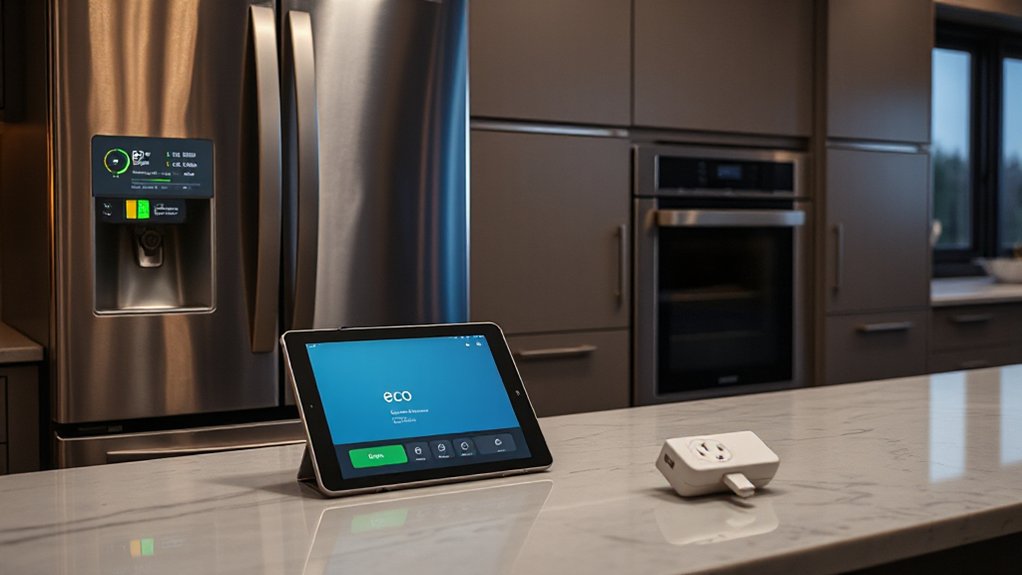
In a smart oven, you can schedule preheat to hit peak efficiency, use eco-bake or convection auto modes, and get alerts when residual heat can finish a dish—small tweaks that refine cooking techniques without extra effort.
Your fridge tracks door-open time, compressor cycles, and temperature swings, then recommends settings like vacation mode or night-time defrost to cut load.
Usage dashboards show which programs spike kWh, so you’ll pick faster air-fry, steam, or reheat presets instead of long bakes.
You also get appliance maintenance prompts—clean coils, replace filters, check door seals—keeping efficiency high and food fresher.
Privacy, Security, and How to Choose the Right Model
As smart ovens and fridges get more connected, you’ve got to weigh convenience against what data leaves your kitchen—and how well the device locks it down. Check whether the app shares usage, voice clips, or inventory lists, and look for clear opt-outs.
Prioritize models with end-to-end Data encryption for cloud sync and local storage, plus regular security patches you can verify in update logs. You should also insist on strong user authentication: biometric unlock, passcodes, and separate guest profiles so roommates can’t change temps or view purchases.
When you compare brands, scan for third-party audits, MFA support, and offline modes that keep core controls working if Wi‑Fi drops. Finally, choose appliances that let you delete data and disable microphones or cameras.
Conclusion
Your kitchen becomes a quiet control room: the smart oven’s heat is your steady compass, and the smart fridge acts like a lighthouse, flagging what’s expiring before it’s lost. You’ll preheat from your phone, trust probes and auto-adjusting programs, and let inventory tracking build tighter meal plans. With voice control, quick reorders, and energy insights, you cut waste and guesswork. Choose models with strong security, and you’ll keep convenience on your side.