
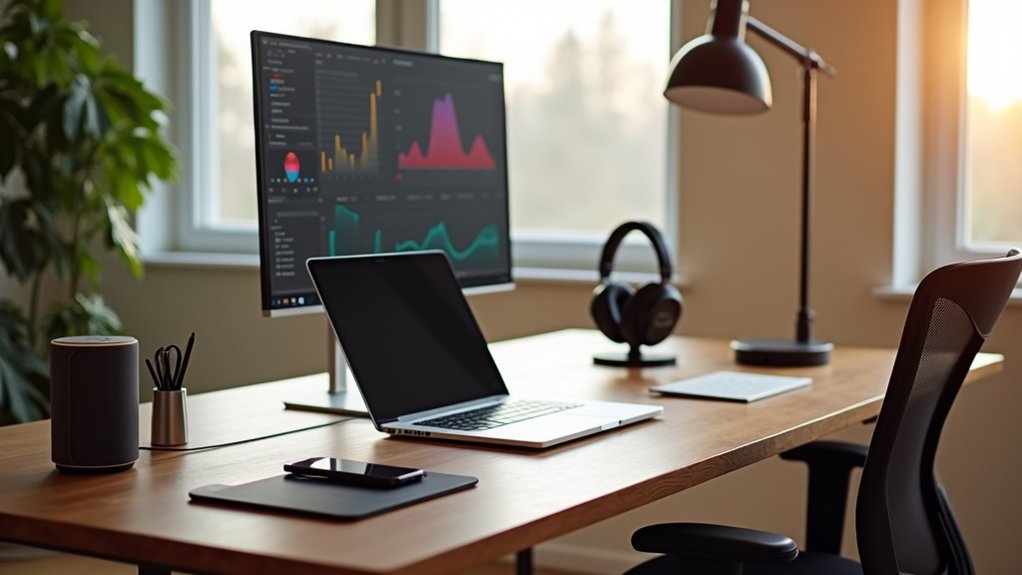

You don’t need a full remodel to build a smart home office that measurably boosts output. You can start with a privacy-first hub, then layer in high-CRI, flicker-free circadian lighting that keeps contrast crisp and eyes calm. You’ll tame distractions with adaptive sound masking and meeting-grade ANC, while an intelligent display shifts scenes as your day changes. Add desk-level CO₂/PM sensors and micro-climate control, then let automations stitch it together—starting with one device that does more than you expect.
Smart Home Office Basics: Platform, Privacy, Budget
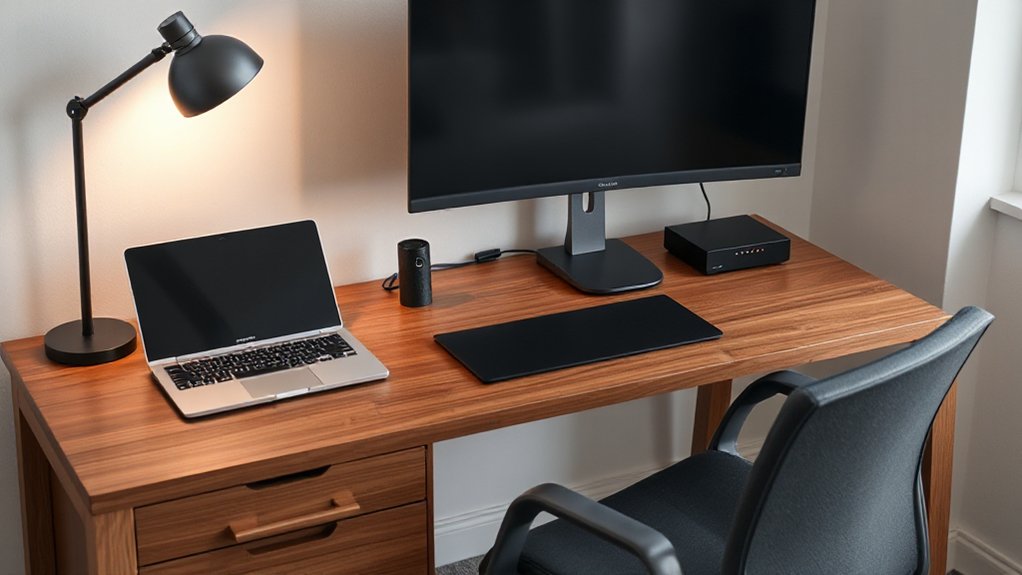
If you want a smart home office that feels seamless rather than cobbled together, start with three fundamentals: platform, privacy, and budget.
Choose one primary ecosystem (Apple Home, Google Home, Alexa, or Matter-first) so devices share scenes, status, and naming conventions without brittle bridges. Keep your interface consistent: Voice assistants for quick commands, plus a quiet dashboard for meetings.
Next, lock down privacy. Prefer local control where possible, require MFA on accounts, and audit permissions quarterly. Buy hardware that supports data encryption in transit and at rest, and that publishes firmware support timelines. Segment IoT on a guest VLAN, then whitelist only what needs cloud access.
Finally, budget for reliability: a solid router, a hub if needed, and fewer, higher-grade devices.
Best Smart Lighting for Focus and Eye Comfort
You’ll get sharper focus and calmer eyes when you tune smart lights to circadian schedules—cooler, higher-lux output for morning work. Then, switch to warmer, lower intensity as the day winds down.
Pair that with glare-free task illumination by positioning a high-CRI lamp at an off-axis angle. Use diffused optics to avoid hotspots on your desk and monitor.
With the right scene presets, you’ll keep contrast clean, shadows controlled, and your workspace looking intentionally lit instead of merely bright.
Circadian Lighting Schedules
Why fight your own biology with harsh, static light when a circadian schedule can tune your office to the day’s natural rhythm? You program smart bulbs to track your Circadian rhythm: cool, high-melanopic white in the morning, neutral midday, then warm, low-blue evenings that protect melatonin.
Aim for 5000–6500K and higher lux during deep-work blocks, then taper to 2700–3000K as you wind down.
Use sensors and calendar triggers so shifts happen smoothly, with 30–60 minute fades that feel architectural, not abrupt. If winter mornings drag, add timed Light therapy bursts—brighter, cooler light within the first hour—without turning your desk into a clinic.
You’ll stay alert, comfortable, and visually calm all day.
Glare-Free Task Illumination
Although circadian schedules set the *when*, glare-free task illumination perfects the *where* by putting high-quality light on your work surface without blasting your eyes.
Choose a smart desk lamp with a deep baffle, micro-prismatic diffuser, and a matte bezel to prevent hotspotting in your peripheral vision.
Aim for 500–750 lux at the keyboard, then tune CCT to 3500–4500K for alertness without harshness.
Prioritize high CRI (90+) and low flicker (IEEE 1789 compliant) so fine text stays stable during long reads.
Position the head at a 30–45° angle, opposite your writing hand, and pair bias lighting behind the monitor for glare reduction.
Automate task lighting via occupancy and ambient sensors for consistent contrast.
Best Smart Noise Control for Deep Work
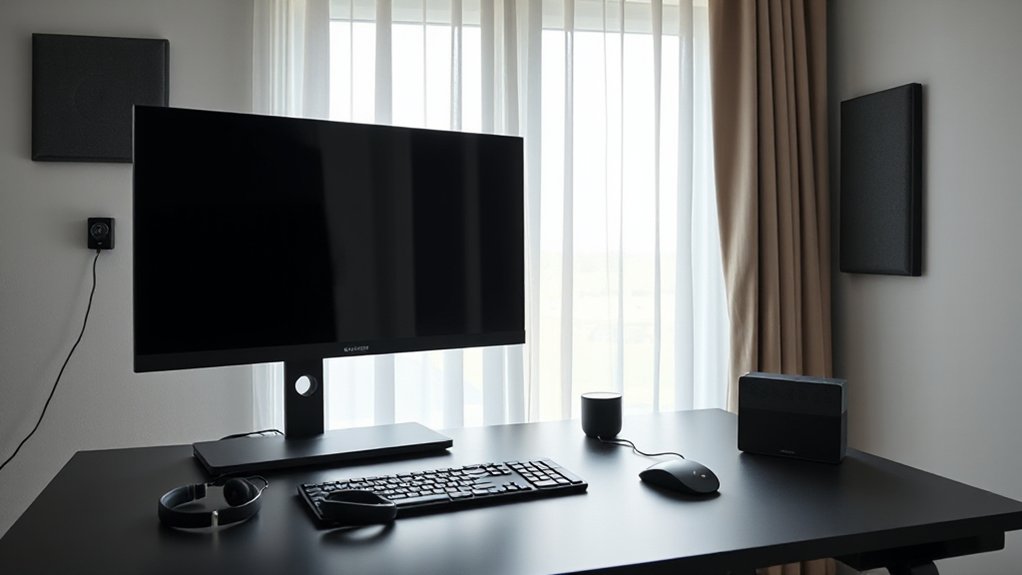
When your home office sits one room away from clattering dishes or street traffic, smart noise control turns that messy soundscape into a tunable, low-distraction environment. Start with adaptive sound masking: a compact hub samples ambient noise and injects calibrated pink-noise bands to flatten peaks without feeling “loud.”
Pair it with app-addressable ANC headphones that auto-switch profiles for keyboard clicks versus voices, then ramp attenuation only when you enter focus mode.
For the room itself, mount fabric-wrapped acoustic panels with embedded microphones; they measure reverberation time and guide placement so reflections die faster and speech intelligibility drops.
Choose matte neutrals, tight seams, and edge-lit frames for a clean studio look. Automate schedules, set decibel caps, and log noise events to refine your setup over time.
Best Smart Displays for Meetings and Daily Workflow
If you want meetings to feel frictionless and your day’s tasks to stay visually organized, a smart display can act as the quiet control surface of your home office. Look for a high-nit, anti-glare panel with automatic tone mapping so calendars and Kanban boards stay crisp under shifting light.
A centered, wide-angle camera with face tracking improves video conferencing without awkward framing, while beamforming mics keep your voice forward and clean. Choose models that support virtual backgrounds on-device to reduce CPU load and prevent jitter during screen shares.
A physical shutter and mic mute switch matter for trust. Prioritize fast wake, hands-free room joining, and split-screen layouts that keep notes, timers, and meeting controls visible.
Smart Climate and Air Sensors for Desk Comfort
You can keep your desk environment crisp by tracking real-time air quality—CO₂, PM2.5, and VOCs—so the numbers match how the room feels.
You’ll tune smart temperature and humidity control to hold steady setpoints, avoiding the dry-air glare and heat spikes that fatigue focus.
You can also trigger automated ventilation and purification when thresholds trip, letting fans, vents, and filters respond quietly in the background.
Real-Time Air Quality Monitoring
How clean is the air in your office between meetings, coffee runs, and a sealed-up HVAC cycle? Real-time Air quality sensors quantify Indoor pollution you can’t see: PM2.5, VOCs, CO2, and formaldehyde trends that correlate with focus dips and headaches.
Place a sensor at breathing height near your monitor, not the window, to avoid skewed readings. Choose models with laser particle counters, calibrated NDIR CO2, and on-device baselining, plus a clean, low-glare display that disappears into your setup.
You’ll get minute-by-minute graphs, threshold alerts, and automations that trigger a purifier or vent fan when spikes hit. Export logs to spot recurring sources—printers, adhesives, or stale meeting-room air.
Smart Temperature And Humidity Control
When does your desk go from crisp and productive to clammy and distracting without warning? A compact climate sensor on your monitor arm tracks micro-shifts at head level, not across the room, so you react to what you actually feel.
Look for ±0.2°C accuracy, fast sampling, and a dew-point readout that predicts stickiness before it hits. Smart humidity control matters when keyboards get slick and concentration drops; set a target band (40–55% RH) and let alerts keep you inside it.
For temperature regulation, build schedules tied to your work blocks and calibrate offsets for sunlit afternoons.
Choose matte housings, dimmable status LEDs, and silent operation so the tech disappears into your setup.
Automated Ventilation And Purification
Once temperature and RH stay locked in, air quality becomes the next limiter of desk comfort—CO₂ creep dulls focus, VOC spikes add that “new gear” haze, and fine particulates settle into your breathing zone.
You’ll want a desk-adjacent sensor that reads CO₂, PM2.5, and tVOC in real time, then drives Automated ventilation through your HRV/ERV, smart window actuator, or inline fan with quiet, ramped curves.
Pair it with Air purification that targets your room’s CADR, preferably with a sealed HEPA stage plus activated carbon for solventy peaks.
Set thresholds and hysteresis so airflow doesn’t hunt, and use occupancy plus outdoor AQI to time exchanges.
A subtle LED ring can telegraph air status without stealing attention.
Time-Saving Smart Home Office Automations for Productivity
Although a smart home office can look sleek on the surface, the real productivity gains come from automations that quietly remove friction from your day. Start with voice command integration that launches “Focus Mode”: lights shift to 5000K, blinds angle to kill glare, and your mic/camera arm to meeting height.
Build personalized automation routines that key off calendar blocks, occupancy, and ambient lux, so your space reconfigures before you sit down.
Automate app and device states, too. When you join a call, your router prioritizes bandwidth, your phone silences, and your notification LED flips to red. When you finish, a scene restores warm task lighting, resumes music, and triggers a 3‑minute desk reset timer.
Tie it all to one hub for reliability and low latency.
Conclusion
You’ve now got a smarter office that quietly does the heavy lifting. Dial in high‑CRI, flicker‑free lighting with circadian scenes, and let air and thermal sensors keep the room “just right” without the constant fiddling. Add sound masking and ANC to smooth out the world’s rough edges, while intelligent displays shift modes for calls and flow states. With privacy‑minded routines managing it all, your workspace stays polished, calm, and relentlessly productive.