
You can lock down your home on a tight budget if you start with a 10-minute walk-through and treat every door, window, and blind spot like a checklist item. You’ll prioritize devices that support encryption, local control, and automatic updates, then place a small camera where it actually matters. You’ll segment your Wi‑Fi, ditch default passwords, and automate lights for “away” patterns—but the biggest savings come from avoiding the traps most people miss…
Do a 10-Minute Budget Security Walk-Through
If you’ve only got 10 minutes, you can still spot the weak points that make a home an easy target. Start at the curb: check sightlines to doors, note dark corners, and trim anything that hides a person or packages.
Walk the perimeter and tug every gate latch, window lock, and sliding door track; if it flexes, it’s a priority. Scan for exposed spare keys, ladders, or tools, then move them inside.
At each entry, test deadbolts, strike plates, and door frames for wobble, and confirm house numbers read clearly from the street for Emergency preparedness.
Finish by comparing notes with your Neighborhood patrol or trusted neighbor, so you spot patterns like loitering or repeated delivery theft fast.
Pick Reliable Budget Smart Security Devices (Criteria)
Now that you’ve flagged your weak spots in that quick walk-through, you can choose smart security gear that actually fixes them without wasting money. Start with devices that support your Wi‑Fi band, offer local control or offline modes, and use encrypted connections.
Prioritize simple setup, clear app permissions, and automatic security updates for at least three years. Check power needs: battery life claims, replaceable cells, and low-battery alerts matter more than flashy specs.
For alarms and sensors, look for adjustable sensitivity, tamper detection, and reliable range through walls. Compare total cost: hub requirements, optional subscriptions, and replacement parts.
Don’t gamble on unknown logos—evaluate brand reputation, then validate it with recent customer reviews focused on reliability, support response times, and warranty follow-through.
Secure the Entry: Video Doorbell or Small Camera
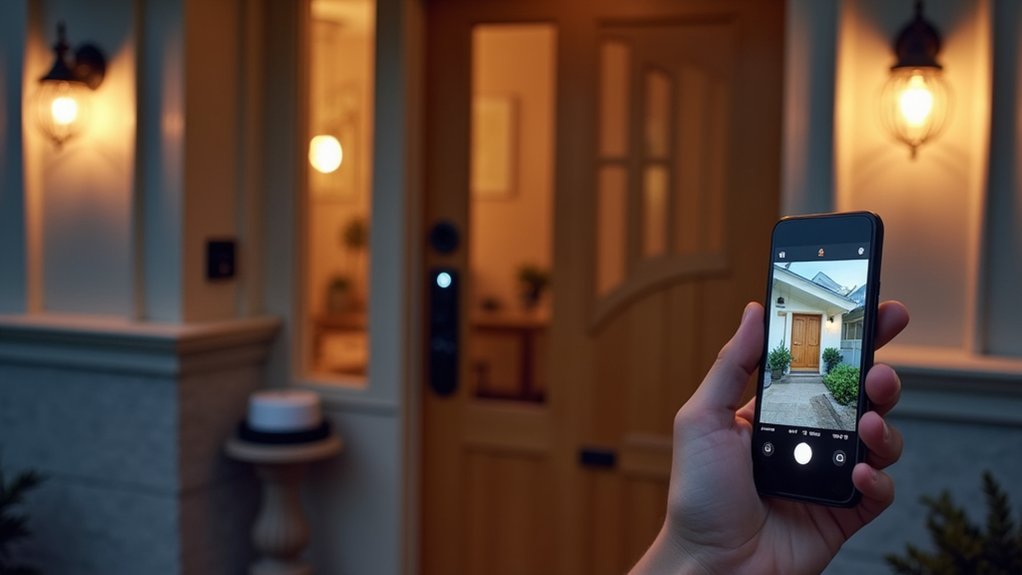
Start by securing your front door with a video doorbell that gives you motion alerts, two-way audio, and clear night vision.
If your entry layout or wiring makes that awkward, mount a compact camera under the eave or in a corner to cover the doorstep and approach path.
You’ll get better visibility and faster response when you place it at face level, angle it away from glare, and lock down its settings with strong passwords and updated firmware.
Choose A Video Doorbell
One smart upgrade can secure your front entry fast: a video doorbell (or a compact, weather-rated camera) that captures clear footage, alerts you instantly, and lets you speak through it in real time.
Choose a model with sharp 2K or 1080p video, strong HDR for backlit porches, and a wide field of view so faces and packages stay in frame.
Prioritize Video doorbell features like person and package detection, customizable motion zones, and a bright night-vision LED or infrared.
Decide whether you want local storage, cloud clips, or both, and check subscription costs before you buy.
For smart security integration, confirm it works with your phone, voice assistant, and existing smart lock so you can verify visitors and unlock safely.
Install A Compact Entry Camera
Although a video doorbell covers most porches well, a compact entry camera can give you a cleaner angle, tighter motion zones, and more reliable recordings if your doorbell sits too low, faces harsh sun, or points at a busy sidewalk.
Mount it at eye level under an eave for shade, then aim slightly downward to catch faces, not just package tops. Choose a model with strong Wireless connectivity so live view and alerts don’t lag at the threshold.
Dial in motion zones to ignore street traffic and set sensitivity for pets. If you can’t run power, prioritize Battery longevity and a removable pack, so you’ll recharge on your schedule, not after a missed clip.
Enable HDR, set night vision to auto, and test recordings at dusk.
Add Affordable Smart Locks and Window/Door Sensors
Because doors and windows account for most everyday entry points, adding an affordable smart lock and a few door/window sensors gives you fast, practical security upgrades without rewiring your home.
Start with Smart lock installation: confirm your door’s backset, check the deadbolt bore, and keep the existing keyed cylinder if you want. Choose a model with built-in keypad and auto-lock, then calibrate the latch so it closes smoothly without grinding.
Next, focus on Window sensor placement: mount the magnet and sensor on the same plane, keep the gap within the brand’s spec, and avoid loose trim that shifts seasonally. Put sensors on the most-used windows and any ground-floor doors, then label each in the app for quick, accurate status checks.
Set Up Security Automations (Lights, Away Mode, Alerts)
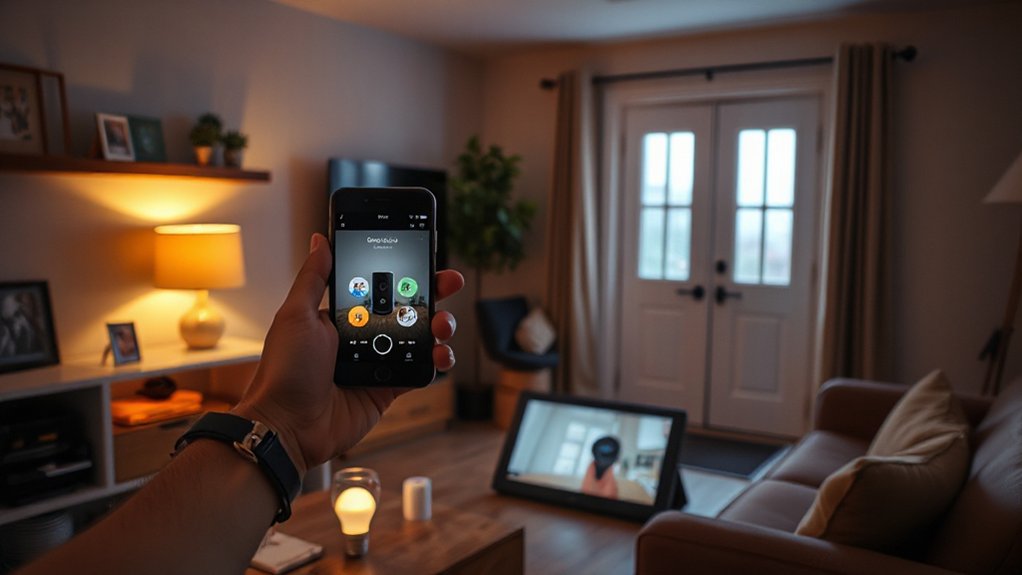
Once you’ve got smart locks and sensors reporting reliably, set up a few security automations to turn those signals into real-world deterrence and fast notifications. In your Home automation app, create rules that flip on a porch light when a door opens after dark, then turn it off 10 minutes later.
Add a “Away” scene that secures doors, arms contact sensors, and sets lights to random on/off schedules to mimic occupancy.
For alerts, route critical events—forced entry, garage opening, repeated motion—to push notifications and a loud siren, while sending low-priority reminders (like an unlocked door) silently.
Tighten security integration by limiting triggers to specific sensors and time windows, and test each routine end-to-end twice.
Rename routines clearly for quick control.
Avoid Budget Smart Security Mistakes (Privacy + Fees)
When you shop budget smart security gear, you can accidentally lock core features behind hidden subscription tiers that show up after the return window. You’ll also want to tighten data privacy defaults—cloud recording, sharing, and microphone access often start “on,” not “ask.”
Finally, watch for cheap-device security gaps like weak encryption, slow firmware updates, and generic passwords that turn a low price into a real risk.
Hidden Subscription Traps
Even if a budget-friendly smart camera or doorbell looks like a one-time purchase, the real cost can hide in the fine print. Many brands lock useful features—cloud recording, smart alerts, activity zones, or extended warranties—behind monthly plans, creating subscription pitfalls you won’t notice at checkout.
You might also face hidden charges like per-camera fees, higher tiers for longer clip history, or “AI detection” add-ons.
Before you buy, compare what you get free: live view, local storage support, and basic notifications. Read the pricing page, not just the box, and total the first-year cost across every device.
If you’ll add more cameras later, choose a plan with a flat household rate. Set a calendar reminder before trial periods end, and keep receipts for easy returns.
Data Privacy Defaults
If you don’t change the default privacy settings, a budget smart camera can share more than you expect—pushing footage to the cloud, storing it longer than necessary, and enabling data sharing for “product improvement” by default.
Open the app on day one and audit Default settings: turn off analytics, personalized ads, and third-party sharing; set retention to the minimum that still supports alerts.
Prefer local storage when available, or choose event-only uploads instead of 24/7 recording to reduce exposure and ongoing fees.
Check whether Data encryption applies in transit and at rest, and enable any “end-to-end” option if offered.
Create a separate home profile for guests, limit admin access, and review privacy menus after firmware updates monthly.
Cheap Device Security Gaps
Although a $25 camera or door sensor looks like a steal, budget smart security gear often cuts corners that cost you later—weak update support, sloppy authentication, and “free” features that quietly funnel you into paid cloud plans. Before you buy, check how long the maker promises firmware updates, and whether updates install automatically or require a risky manual process.
Look for two-factor login, unique device passwords, and local storage options so your footage doesn’t vanish behind a subscription. Cheap hubs can also introduce Wireless vulnerabilities: outdated Wi‑Fi chips, insecure pairing, or open ports that attackers can scan.
You should disable UPnP, segment devices on a guest network, and change default admin credentials. Read the fine print on retention, alerts, and “AI” add-ons.
Conclusion
You don’t need a pricey system to build a safer home; you need a plan. Treat your setup like a digital deadbolt: simple, solid, and checked often. Do quick walk-throughs, cover doors first with a budget camera or doorbell, then layer in smart locks and sensors. Use automations for lights and instant alerts, segment your Wi‑Fi, change default passwords, and keep firmware on auto-update so security stays affordable.