
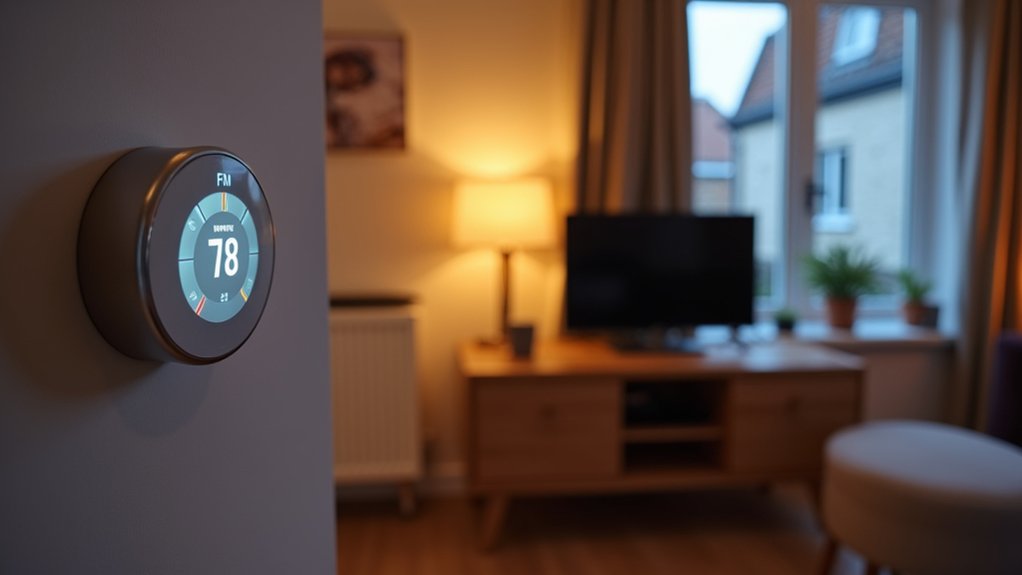

Most people don’t realise your biggest UK bill savings usually come from *control*, not “efficient” gadgets. If you add a smart thermostat with geofencing, pair it with room-by-room TRVs, and use smart plugs to kill standby drain and schedule heavy loads for off-peak rates, you can cut waste without changing your routine. The trick is picking UK-compliant, Matter-friendly kit that actually plays nicely together—because one wrong choice can stall everything…
Quick Wins: Energy-Saving Smart Gadgets for UK Homes
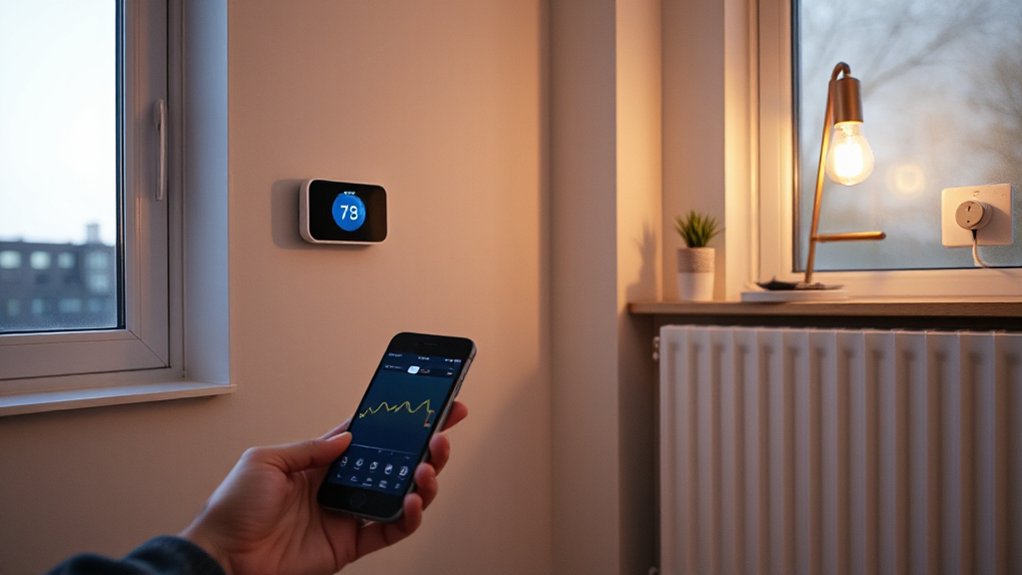
Whether you’re trying to cut bills fast or just make your home feel more “set-and-forget,” the quickest wins in UK homes come from smart gadgets you can install in minutes—think smart thermostats with geofencing, radiator TRVs for room-by-room control, smart plugs that kill standby drain, and energy-monitoring meters that show exactly what’s spiking your kWh.
Set your thermostat to drop temps when you’re out, then let TRVs keep bedrooms cooler than living spaces. Put smart plugs on consoles, TV boxes, and chargers, and schedule an overnight hard-off.
Choose Matter-compatible kit so you’re not locked in, and look for OpenTherm support for cleaner boiler modulation. If you’ve got solar or a battery, prioritise Renewable integration features like export-aware schedules.
That’s energy efficient design you’ll feel immediately.
Home Energy Monitors: Find Your Biggest Drains First
Home energy monitors put real-time usage tracking on your phone, so you can spot spikes the moment they happen.
With appliance-level energy insights, you’ll see exactly which devices are quietly draining your budget—like an always-on set-top box or an older fridge cycling too often.
Actionable savings alerts then nudge you to shift heavy loads off peak times, kill standby waste, and lock in quick, measurable cuts.
Real-Time Usage Tracking
Because your biggest energy drains rarely announce themselves, real-time usage tracking gives you a clear, minute-by-minute view of what’s actually driving your bill. You’ll see your home’s energy consumption rise and fall as routines change—kettle boils, showers run, heating cycles, and standby load ticks along.
Modern monitors pair with slick apps, so you can check live watts on the sofa, set cost alerts in pounds, and watch graphs update instantly. Track usage patterns across mornings, evenings, and weekends to spot waste you’d otherwise miss, like preheating too early or leaving devices on overnight.
Use the live view to test quick fixes: switch off at the wall, tweak thermostat schedules, or stagger high-load activities. The feedback loop stays addictive—and it nudges smarter habits fast.
Appliance-Level Energy Insights
These insights cut through household energy myths (like “LEDs don’t matter” or “charging overnight costs loads”) by putting numbers against each appliance.
If you’re exploring renewable energy integration—solar, batteries, or EV charging—you can map demand to generation windows, then prioritise the kit that delivers the biggest bill impact first.
Actionable Savings Alerts
Once you’ve got appliance-level numbers, the next step is letting your monitor flag waste automatically with actionable savings alerts. Set thresholds for always-on loads, then get pinged when standby jumps or a kettle’s cycling too often.
Use time-of-use tips to shift dishwashers and EV charging into off-peak windows, and let “left on” alerts catch immersion heaters and dehumidifiers before they rack up costs.
Look for monitors that learn your routines and suggest quick fixes: tighten a fridge temperature, replace a failing pump, or cap a tumble dryer cycle.
If you’ve got solar, prioritise alerts built for renewable integration, so you’re nudged to run loads when generation’s high. Pair with energy storage notifications to charge cheaply, discharge at peak, and avoid export penalties.
Smart Thermostats: Cut Heating Costs Automatically
Smart thermostats now learn your schedule and use geofencing, so you’re not heating an empty home. They ramp comfort back up right before you walk in.
Pair one with zonal heating to target only the rooms you actually use, instead of blasting the whole house.
If you’ve got radiators, you can add smart radiator valves to fine-tune each room’s temp and stop wasting heat where it doesn’t matter.
Learning Schedules And Geofencing
How do you cut heating costs without constantly fiddling with the dial? You let a smart thermostat build learning schedules from your real routine—wake-up, school run, WFH blocks, bedtime—then it auto-tweaks setpoints to avoid waste. After a week or two, you’ll see fewer “manual boosts” and steadier comfort.
Add geofencing and you unlock geofencing benefits: the app uses your phone’s location to drop the temperature when the last person leaves and start warming up as you head home. Set a sensible radius (around 200–500 metres for terraces, larger for rural drives) to prevent false triggers.
Pair it with weather-aware optimisation and you’ll reduce overshoot on mild days, without feeling chilly.
Zonal Heating And Radiators
Two upgrades make the biggest difference after schedules and geofencing: zonal heating and radiator control. With smart TRVs on each radiator, you set different temperatures for bedrooms, living rooms, and hallways, so you don’t pay to heat empty space. Build zones in the app, then link them to your thermostat so the boiler only fires when a zone calls for heat.
To boost Radiator efficiency, you’ll want accurate room sensors, open flow (don’t box in rads with furniture), and balanced valves so hot water reaches the farthest radiators first.
Many systems now offer per-room “boost” buttons, window-open detection, and heat-demand graphs, which helps you spot draughty rooms fast.
In UK homes, this targets the biggest bill: space heating.
Smart Radiator Valves: Save Room by Room
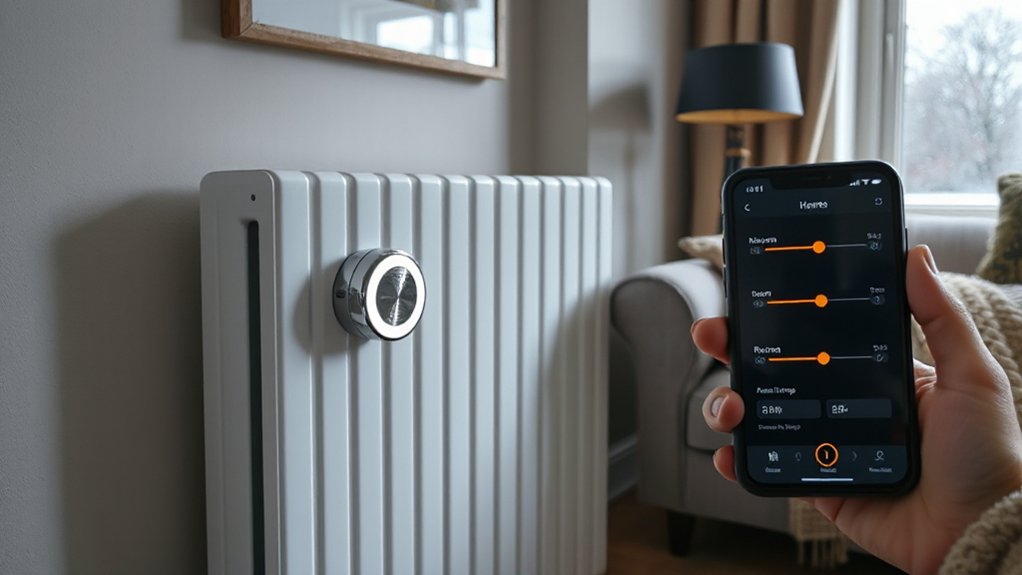
While you can’t always control when the boiler fires up, you can control where the heat actually goes with smart radiator valves that let you fine-tune temperatures room by room. Swap them onto your existing TRVs, pair to a hub/app, and set a room specific temperature for the bedroom, office, and lounge—no more heating unused spaces.
Use schedules that match your routine, then add geofencing so radiators back off when you’re out. Most systems learn heat-up times, so rooms hit target temp without overshooting, improving radiator efficiency.
Put a valve on north-facing rooms first, and set lower caps for hallways and spare rooms. Look for open-window detection and manual override, so you can crack a window without wasting heat. They’re an easy upgrade with measurable savings.
Energy-Saving Smart Plugs: Stop Standby Waste
Even if you’re diligent about switching things off, “standby” loads from TVs, consoles, set-top boxes, speakers, chargers, and desk gear quietly add up—so a smart plug gives you a simple, measurable way to cut that waste.
Pick energy saving smart plugs with energy monitoring so you can see watts, costs, and trends in the app, then target the worst offenders. Create schedules for predictable devices (routers on overnight, entertainment kit off at 1am), or use auto-off timers after inactivity.
For messy setups, group a TV, soundbar, and console on a smart extension so one command kills the whole stack. Look for overload protection, away mode, and voice control, but prioritise reliable standby power reduction and UK 13A rating for safety.
Smart Lighting: Lower Bills Without Living in the Dark
Because lighting sits in the “small but constant” category, smart bulbs and switches let you shave costs without changing your routine: you automate when lights turn on, how bright they run, and how long they stay on.
With Smart lighting, set motion triggers for hallways and bathrooms so lights don’t burn for hours, and add geofencing so they shut off when you leave.
Use dimming schedules: 100% for cooking, 40% for evenings, 10% as a nightlight.
Tune color temperature too—cooler white for task areas can feel brighter at lower wattage, while warm scenes in living rooms encourage you to dim down.
Pick LED smart bulbs with high lumens-per-watt, and group rooms into “zones” so you only light what you use.
Smart Appliance Control: Shift Use to Off-Peak Tariffs
Once your lights run on autopilot, the next big savings lever is *when* your power-hungry appliances run. Use smart plugs or built-in app scheduling to move dishwashers, washing machines, tumble dryers, and immersion heaters into off-peak windows on time-of-use tariffs.
Set “run by” deadlines so cycles finish before you wake up, and add load limits to avoid stacking high-watt devices together. You’ll also cut standby draw by auto-killing power after cycles.
Look for Energy efficient design features like eco modes and variable-speed motors, then let automation trigger them consistently, not just when you remember.
If you’ve got solar or a battery, renewable integration rules: schedule heavy loads for sunny midday, then top up overnight cheaply.
How to Choose UK Smart Gadgets: Cost, Setup, Compatibility
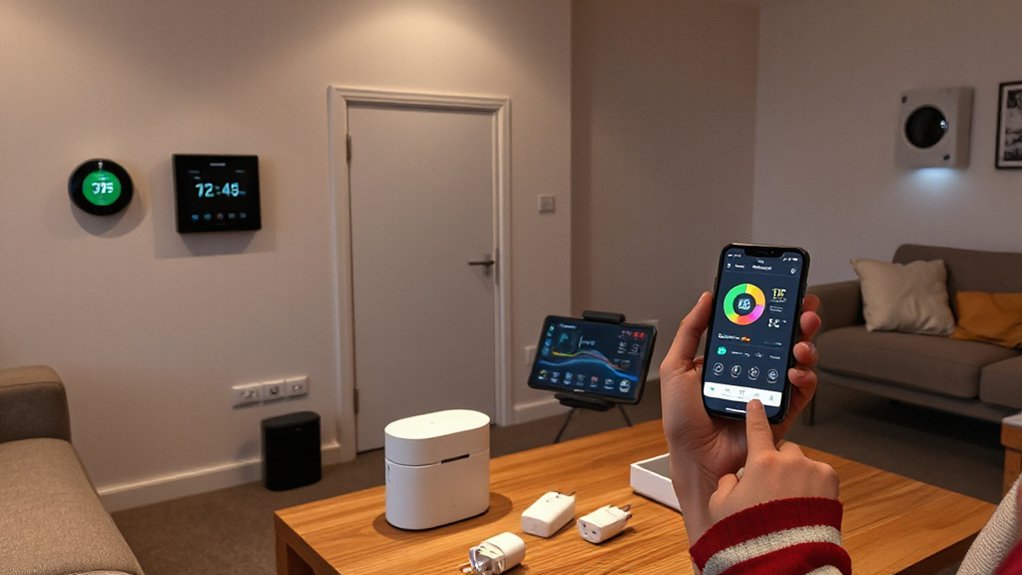
Before you buy into smart energy gear, map three UK-specific checks—total cost, setup effort, and ecosystem compatibility—so the “bargain” plug doesn’t turn into a headache. Price in more than the sticker: look for Matter or strong app support, check standby wattage, and factor subscriptions, hubs, and replacement batteries.
If you’re on Economy 7 or Agile tariffs, pick gadgets that schedule reliably and show half-hourly usage.
For setup effort, read the setup process steps: Wi‑Fi band (2.4GHz), router distance, and whether you need an electrician for hardwired switches.
Finally, confirm device compatibility with your voice assistant, smart meter IHD, and existing TRVs.
Choose brands with UK plugs, CE/UKCA marks, and solid warranty support too.
Conclusion
You’ll cut UK bills fastest when you measure first, then automate the big hitters: heating, hot water, and lighting. Add a smart thermostat with geofencing, TRVs for spare rooms, and smart plugs to kill standby and schedule heavy loads for off‑peak tariffs. Swap in motion‑sensed, dimmable LEDs so you’re not wasting watts. Choose UK‑compliant, Matter‑ready gear with a solid app—think of it as running your home like a Victorian telegraph office, only smarter.