
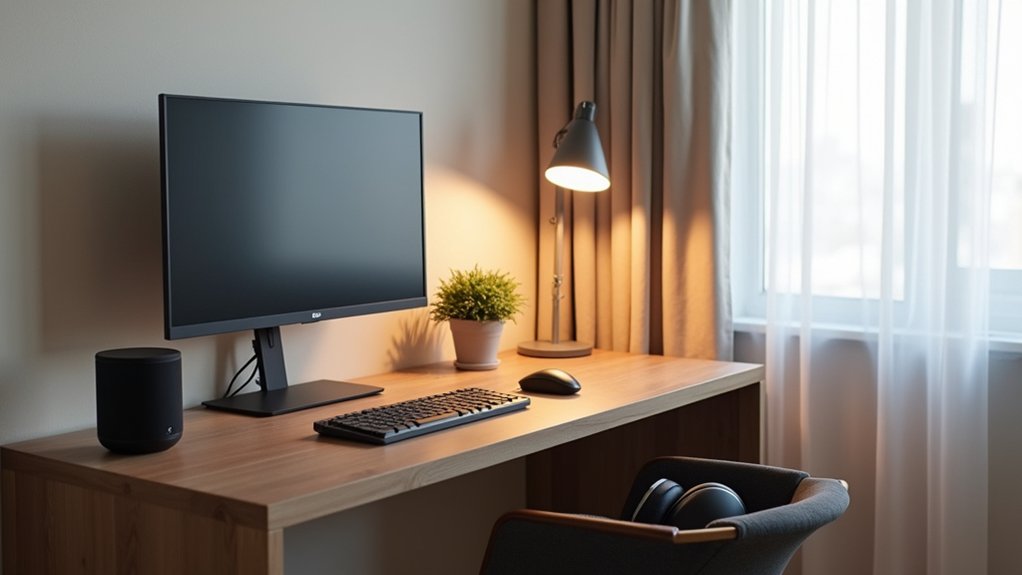

You can’t buy focus, but you can build it. Start by spotting what breaks your attention—pings, glare, awkward reach, background chatter—then fix each point with intent. Set your desk and chair to neutral posture, add adjustable supports, and layer smart lighting that shifts from crisp daytime whites to warmer evening tones. Use quiet zones and noise control to cut sonic clutter. Then tie it together with one focus mode that…
Audit Your Smart Workspace for Focus Bottlenecks
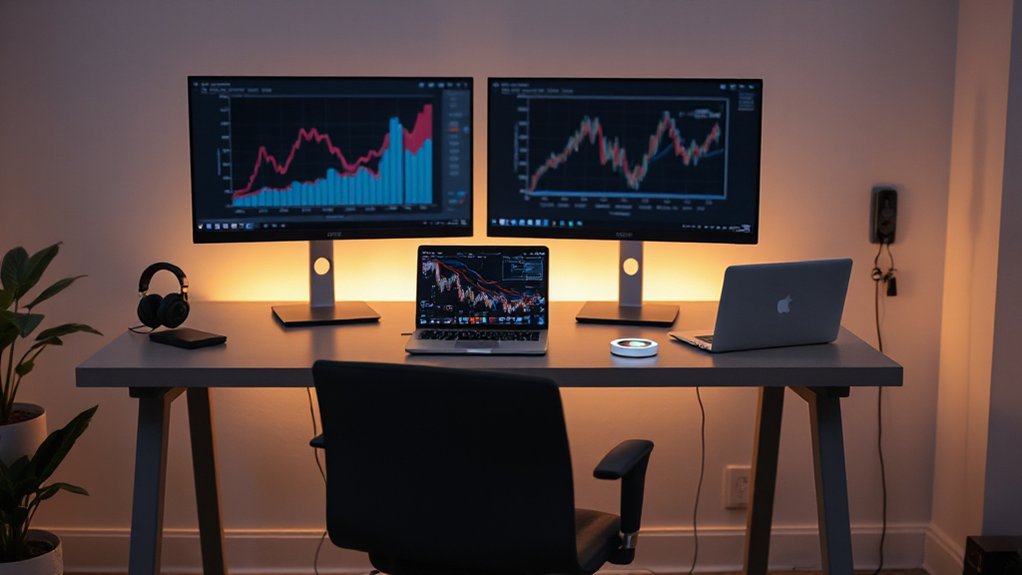
Before you add another app, gadget, or automation, take a clear-eyed inventory of what’s already stealing your attention. Open a single notes file and log every interruption for two work sessions: alerts, tab switching, device handoffs, noisy channels, and “quick checks” that become spirals. Tag each with a trigger, duration, and cost to re-entry so you can see patterns, not vibes.
Next, map your tools to tasks. If two apps do the same job, pick one default and archive the other. Tighten Time management by batching communication windows and turning passive pings into scheduled pulls.
Apply distraction strategies: mute noncritical notifications, prune home screens, and set focus modes per project. Keep what’s quiet, fast, and deliberate.
Set Up Ergonomic Layout for a Smart Workspace
Once you’ve quieted the digital noise, tune the physical setup so your body doesn’t become the next distraction. Start with ergonomic furniture: a chair that supports your lumbar curve and lets your feet rest flat, and a desk height that keeps your shoulders relaxed.
Center your monitor so the top edge sits near eye level, and place it an arm’s length away to reduce neck strain. Keep your keyboard and mouse close, with elbows hovering around 90 degrees.
Use adjustable accessories—monitor arm, footrest, and wrist support—to fine-tune micro-angles without reworking the whole setup. Arrange frequently used tools within a forearm’s reach, and route cables along clean lines so your space looks calm and stays functional.
Use Smart Workspace Lighting (Brightness + Color Temp)
Although your desk layout sets the foundation, smart lighting decides how long you can stay focused without eye strain. Start with layered ambient illumination: a ceiling or wall-wash light at low glare, plus a task lamp aimed across your workspace, not into your eyes.
Set brightness to match the job—higher for reading and detailed edits, lower for screens to reduce reflections. Then tune color temperature to your rhythm: 4000–5000K for crisp daytime focus, 2700–3000K in late afternoon to soften contrast and prevent fatigue.
Use an app or sensor to auto-adjust as daylight shifts, keeping shadows consistent on your keyboard and notebook. Choose diffused bulbs and matte surfaces so light feels clean, not harsh.
Reduce Noise With Smart Audio and Quiet Zones
When background noise keeps tugging at your attention, you can reclaim focus by pairing smart audio control with a deliberately defined quiet zone. Set a clear boundary: a desk, a chair, and a “no calls here” rule.
Then tune your soundscape with ambient noise control—route consistent low-level noise through a speaker or headphones, and keep volume capped so it masks without distracting.
Support it with practical soundproofing techniques that still look clean: add a thick rug, felt panels in a grid, and door seals that disappear into trim. Place bookshelves on shared walls, and angle your monitor away from hard corners that bounce sound.
Keep a small tray for earbuds, so switching to silence feels effortless. Your space stays calm, composed, and purpose-built.
Automate Smart Workspace Focus Modes and Blockers
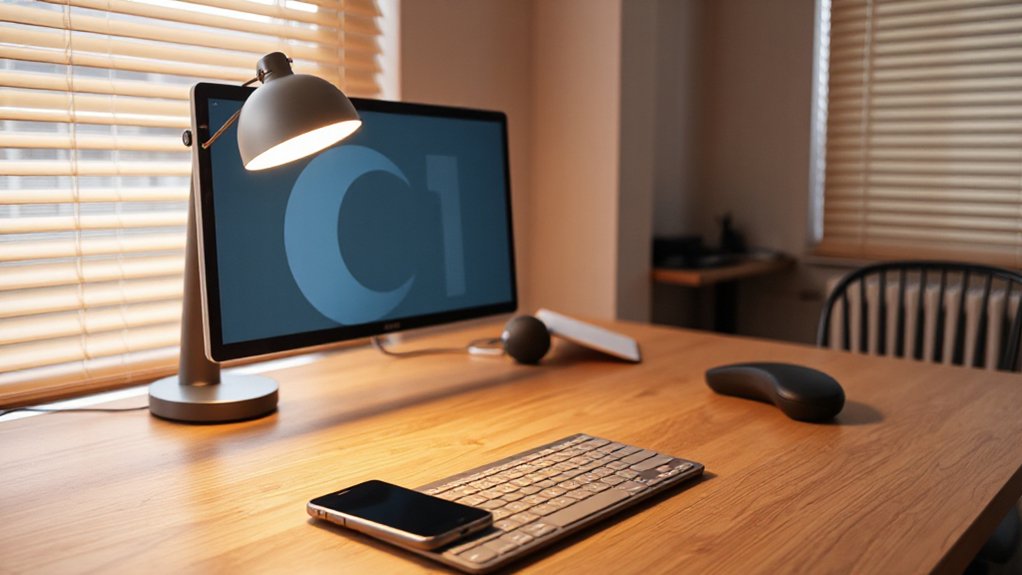
If you want deep work to feel automatic instead of aspirational, build focus modes that change your workspace on purpose. Create a “Focus” scene that dims lights to a warm 3500K, silences smart speakers, and locks your phone into Do Not Disturb.
Use personalization settings to keep it yours: preferred brightness, desk fan speed, and a single ambient playlist at low volume.
Then add blockers. Schedule app limits, pause social notifications, and route all calls to voicemail except favorites. Tie everything to automation triggers: your calendar event “Deep Work,” a physical desk button, or a geofence when you enter the office.
Set an “Exit” mode that restores normal lighting, reconnects alerts, and logs a break timer.
Conclusion
You’ve tuned your smart workspace like a fine pocket watch: you’ve audited focus leaks, aligned your ergonomic layout, and dialed lighting for the right brightness and color temperature. You’ve cut noise with quiet zones and smart audio control, then automated focus modes that mute alerts, dim distractions, and protect deep work. Keep iterating—measure what helps, remove what doesn’t. With each tweak, your space stops stealing attention and starts returning it.